CLIENT SHELF / DOWNLOAD

V2Ray Download
Client Downloads

For desktop, choose v2rayN. On Android, v2rayNG is the recommended choice; choose v2flyNG if you need the v2fly core.

Choose your operating system first, then select the CPU architecture and package format. All three clients are free and open source. For importing subscriptions and configuring a proxy after installation, see the Quick Start guide.

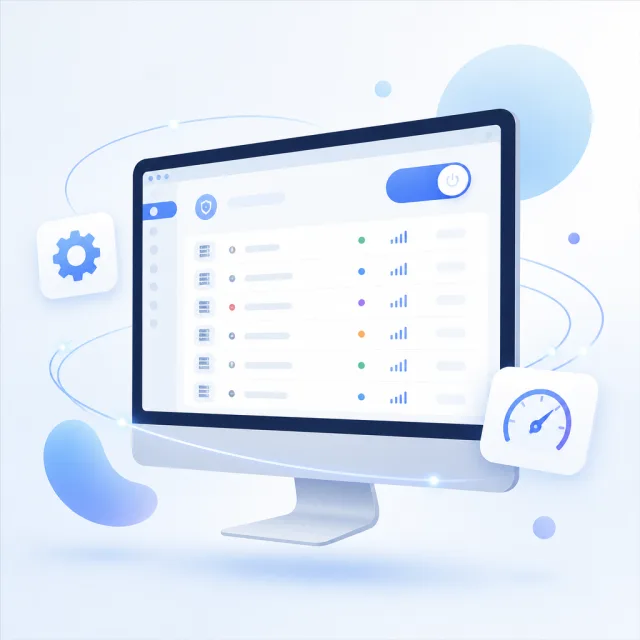
Settings shown for illustration; actual labels vary by client and version.

01 / SELECT YOUR SYSTEM

Choose a platform download

Switch platforms with the tabs. The selected platform is also preserved when you share this page’s URL.

Windows client

v2rayN

Windows · x64 · 7.24.1

Recommended

Desktop edition

Download v2rayN Desktop

A next-generation cross-platform UI, ideal for first-time installs and users who want a consistent experience across desktop systems. This link downloads the x64 package archive.

Classic WPF edition

Download v2rayN WPF

A stable choice that retains the classic Windows desktop interface, ideal for users who prefer its familiar workflow. Its layout differs from the Desktop edition, so settings may be in different places.

Fully extract the ZIP after downloading, then run the installer inside. Before updating or switching editions, quit v2rayN and back up your subscriptions and custom settings.
Windows requirements and installation tips

CheckWhat to look forBefore installing
OS and architecture64-bit Windows; this download is x64Check the system type on the About page in Settings. An x64 package is not a native ARM64 package.
RuntimeFollow the requirements for the selected editionIf prompted to install a .NET runtime, check the required Desktop Runtime and architecture.
Files and permissionsFully extracted files and a writable settings folderDon’t run the app directly from the ZIP preview. TUN features may require administrator privileges.

Choosing between Desktop and WPF mainly affects the interface and workflow; the edition name alone doesn’t determine whether a node will work. Support for protocols, transport layers, and security settings also depends on the bundled core and server parameters. If you already have settings, save a backup before updating, then check your subscriptions, routing rules, and local listening ports. Avoid running both editions with the same ports configured.

On first launch, import a configuration you know works, then choose how to use the system proxy. The system proxy only affects apps that honor system proxy settings; it won’t automatically route traffic from every program. If an app still connects directly, check whether it uses the system proxy before setting a proxy address separately or trying TUN. Reinstalling should not be the first step when troubleshooting a connection.

02 / AFTER INSTALLATION

Configuration steps after installation

The installer installs the app. Connecting also requires configuration, a traffic routing method, and a connection check.

  1. IMPORT

    Import a share link or subscription

    Import an authorized share link from the clipboard, or add a subscription URL. Check the protocol, server address, port, and TLS settings. Keep subscription URLs private: they may contain credentials. Redact them from screenshots.

  2. CONNECT

    Choose a node and routing method

    Select a node and enable system proxy, VPN, or TUN as appropriate. On desktop, check that your app uses the proxy. On Android, review VPN permission and per-app rules. Change one setting group at a time to isolate problems.

  3. VERIFY

    Check access and connection logs

    Test access in your intended app; a running status alone does not confirm connectivity. Check logs for DNS, TLS, and outbound routing errors. Record the full error message and time, then investigate DNS, certificates, or port conflicts as indicated.

03 / PACKAGE QUESTIONS

Download and installation FAQs

Quick answers on package formats, architecture, updates, and first-time connections.

Which should you choose for Windows: Desktop or classic WPF?

For a first install, consider Desktop, which uses a next-generation cross-platform interface. Choose the classic, stable WPF edition if you prefer the traditional interface or want to keep your usual workflow. Check the system and runtime requirements for either edition. Back up your settings before switching, and don’t run both editions on the same ports.

Which Android version should you choose: arm64 or universal?

Most mainstream phones released after 2015 are likely to use arm64, but check that your OS supports 64-bit apps. Choose the universal version if you can’t confirm your architecture or the arm64 APK is incompatible. Universal APKs are usually larger because they include multiple architectures; that doesn’t mean they offer better connectivity.

Why might the displayed version differ from the download filename?

The version label and package path are separate manifest fields and may temporarily get out of sync during a release. This page shows each field as listed rather than inferring the displayed version from the filename. To check your installed version, open the client’s About page; don’t rely on the filename saved by your browser to tell whether an update succeeded.

Do I need to uninstall the old version before updating?

Back up your subscriptions, routing rules, and custom settings first. Then quit the old app and update as directed by the installer; follow its instructions on whether uninstalling is required. Android updates also require the same package name and signing key. If the signature is incompatible, don’t uninstall right away—you could lose your settings.

Can I connect as soon as the client is installed?

The installer provides the client app, not a ready-to-use server configuration. Import a share link or subscription you’re authorized to use, select a node, and configure system proxy or VPN mode as needed. A successful import only means the format was recognized; check the server settings, certificate configuration, and actual connection afterward.

What should I do if a download is interrupted or the installer won’t open?

Make sure the browser finished downloading, delete any incomplete temporary file, and try again. Then check the file extension, OS, and CPU architecture. Fully extract Windows ZIP files before running the installer, and allow installs from the current source on Android. If it still fails, note your OS version and the full error, then search the Help Center for the issue.

V2Ray Client Download